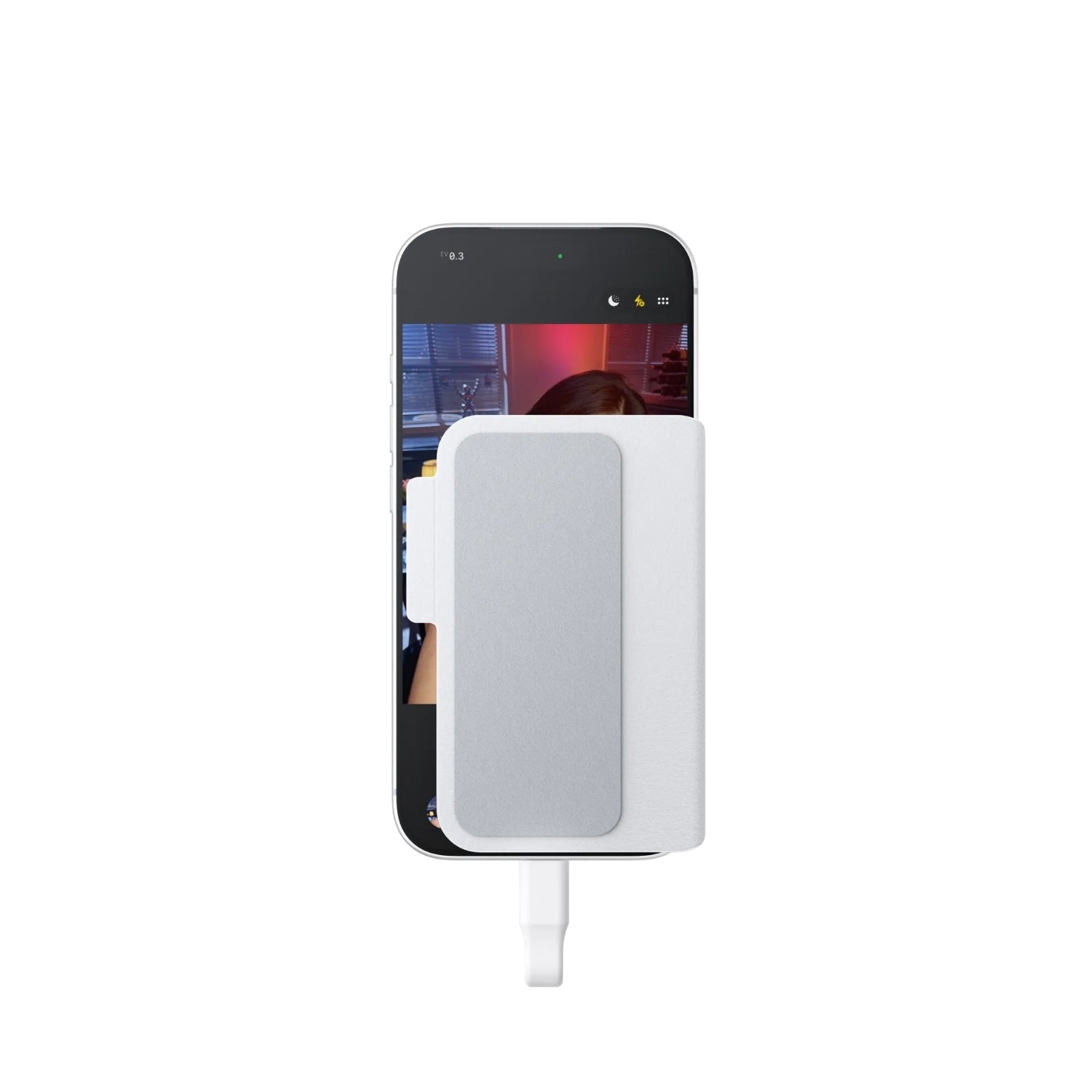
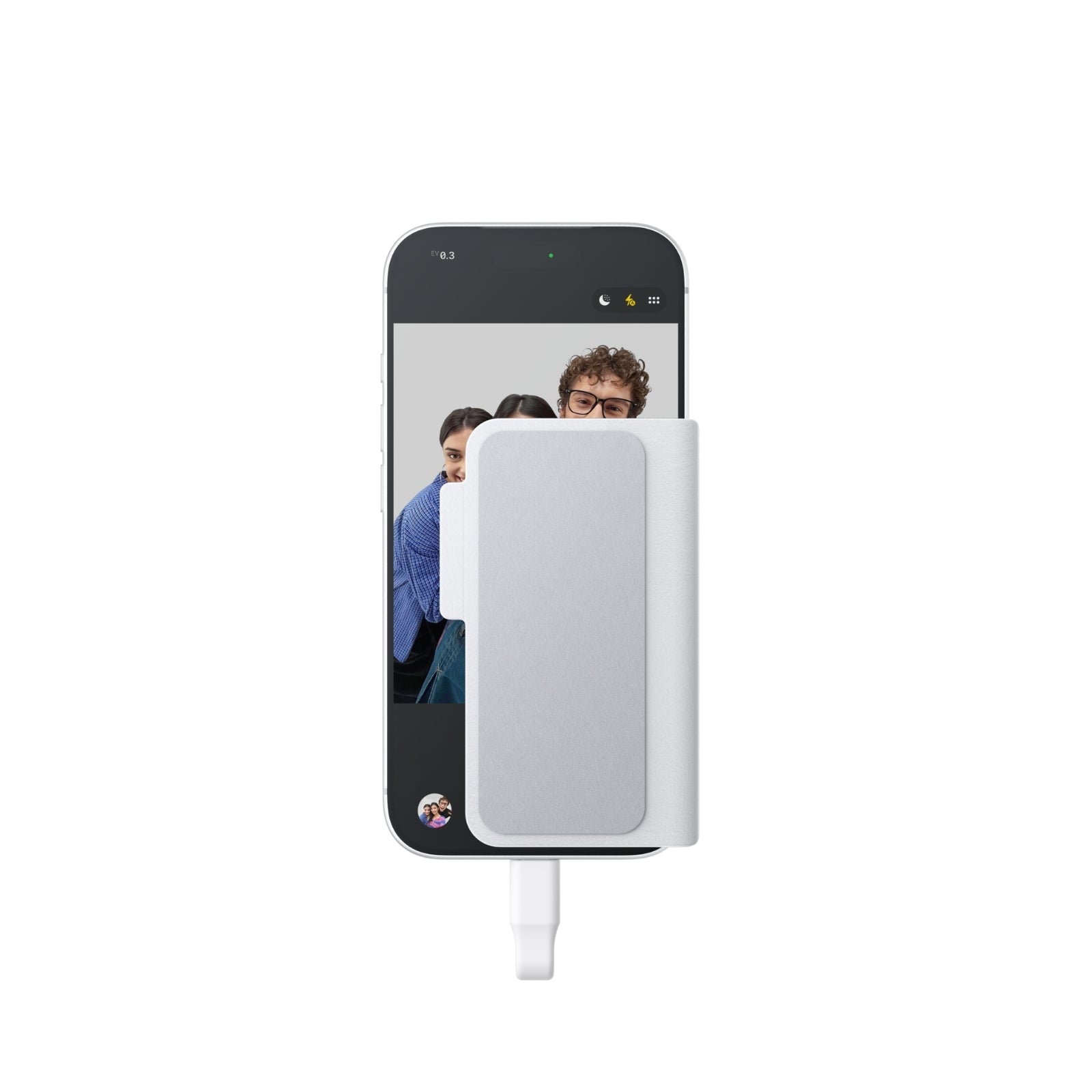


Description
Insta360 Snap Magnetic Selfie Screen Smartphone Vlog Monitor Rear Camera Display USB-C MagSafe iPhone 15 16 17 Pro Android
Key Features:
-
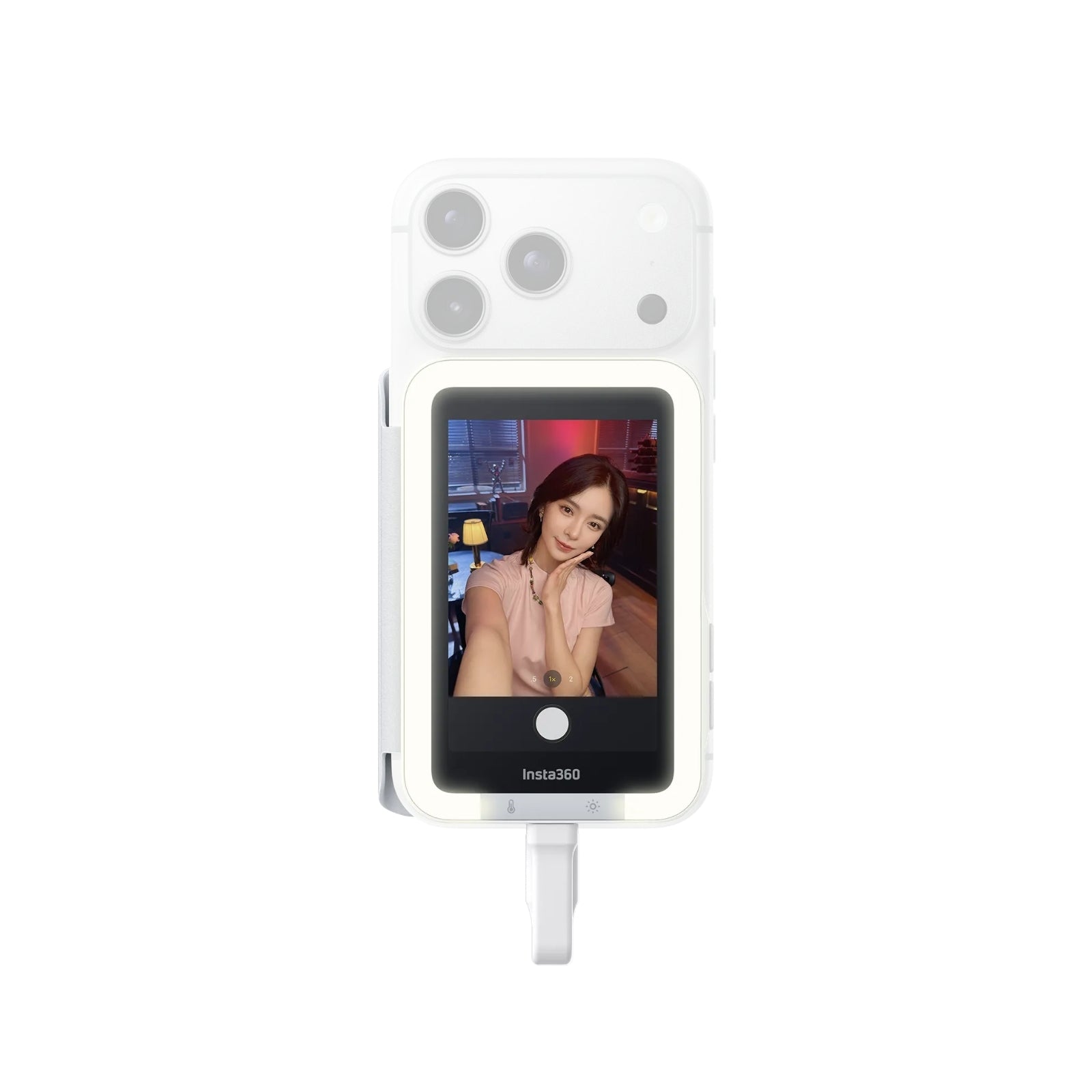
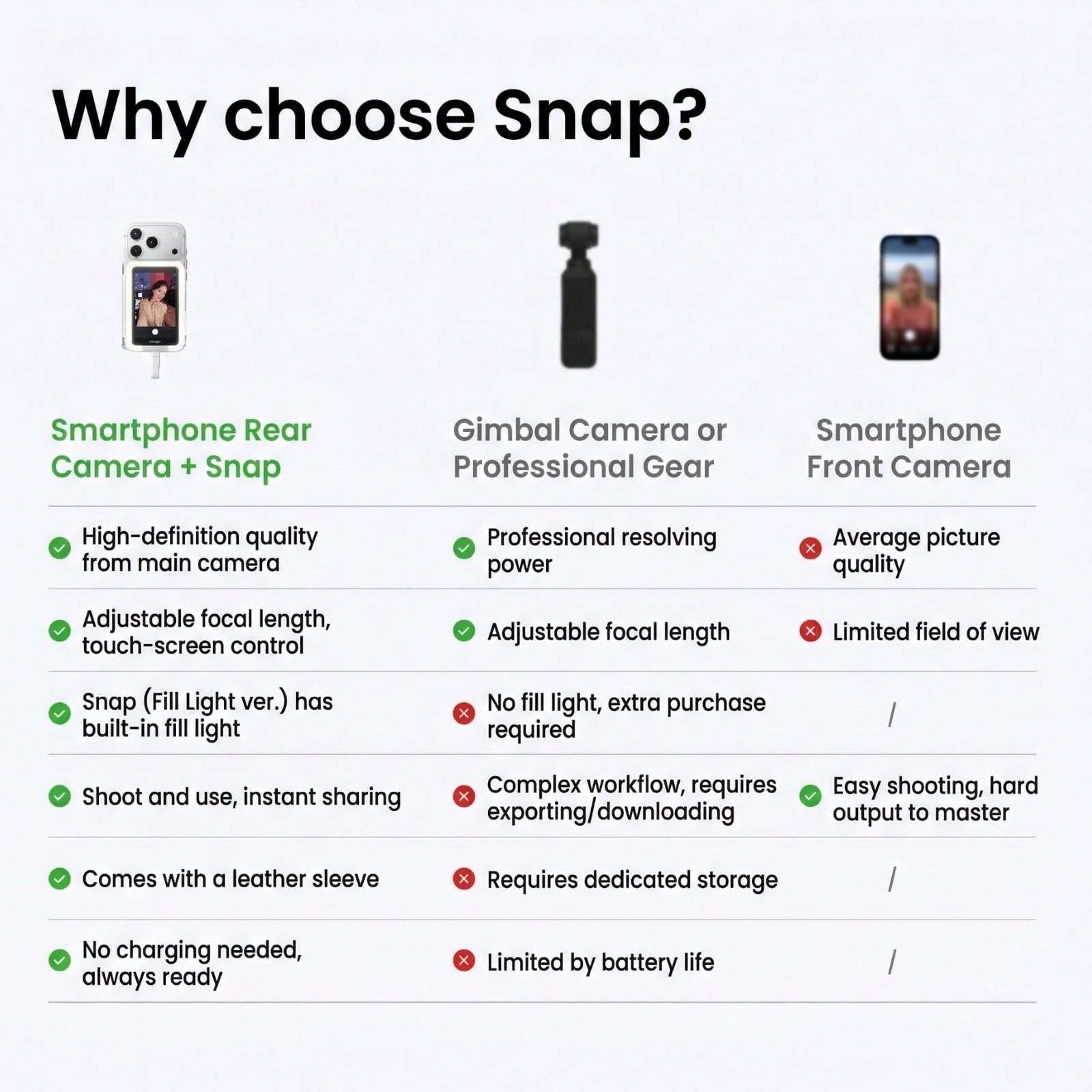
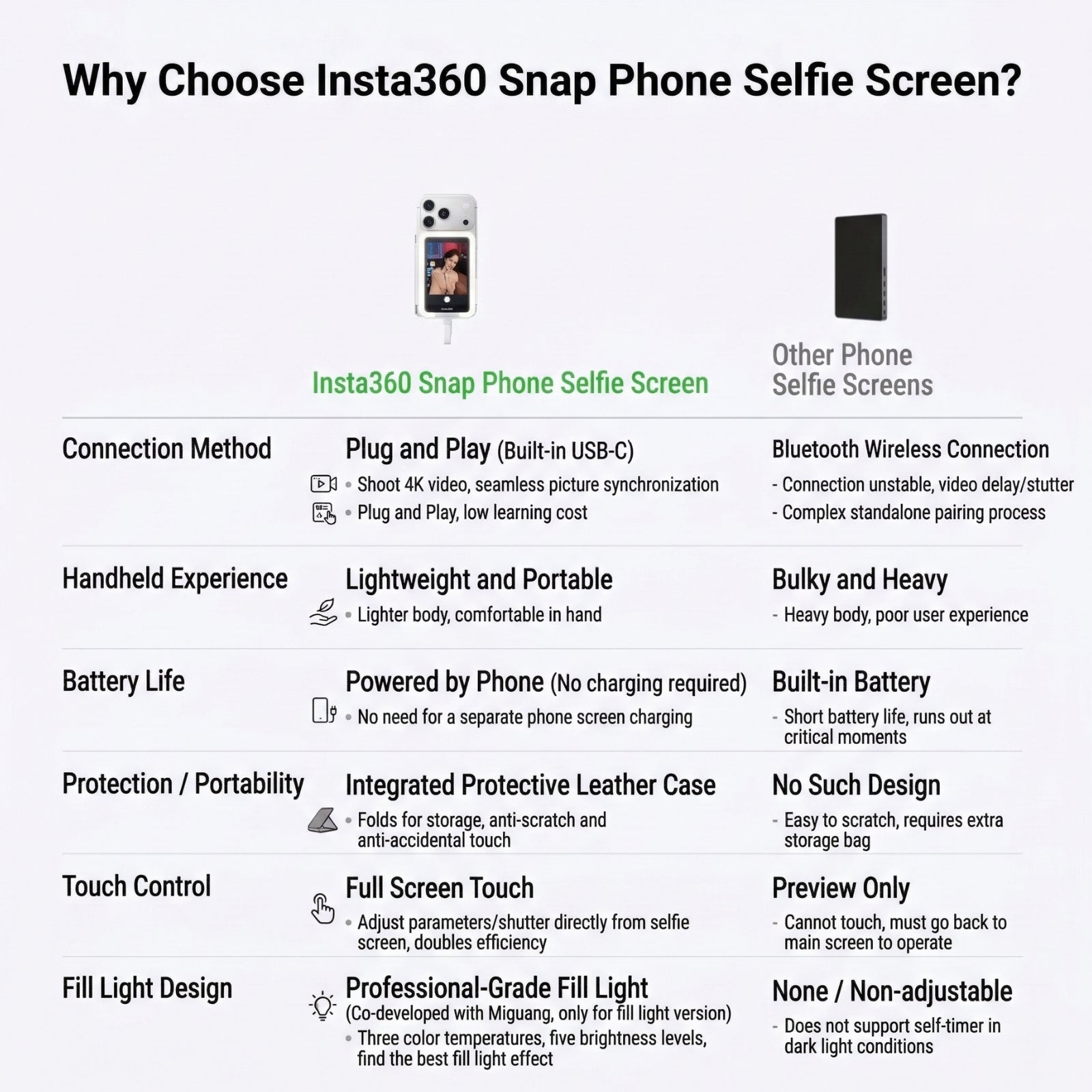
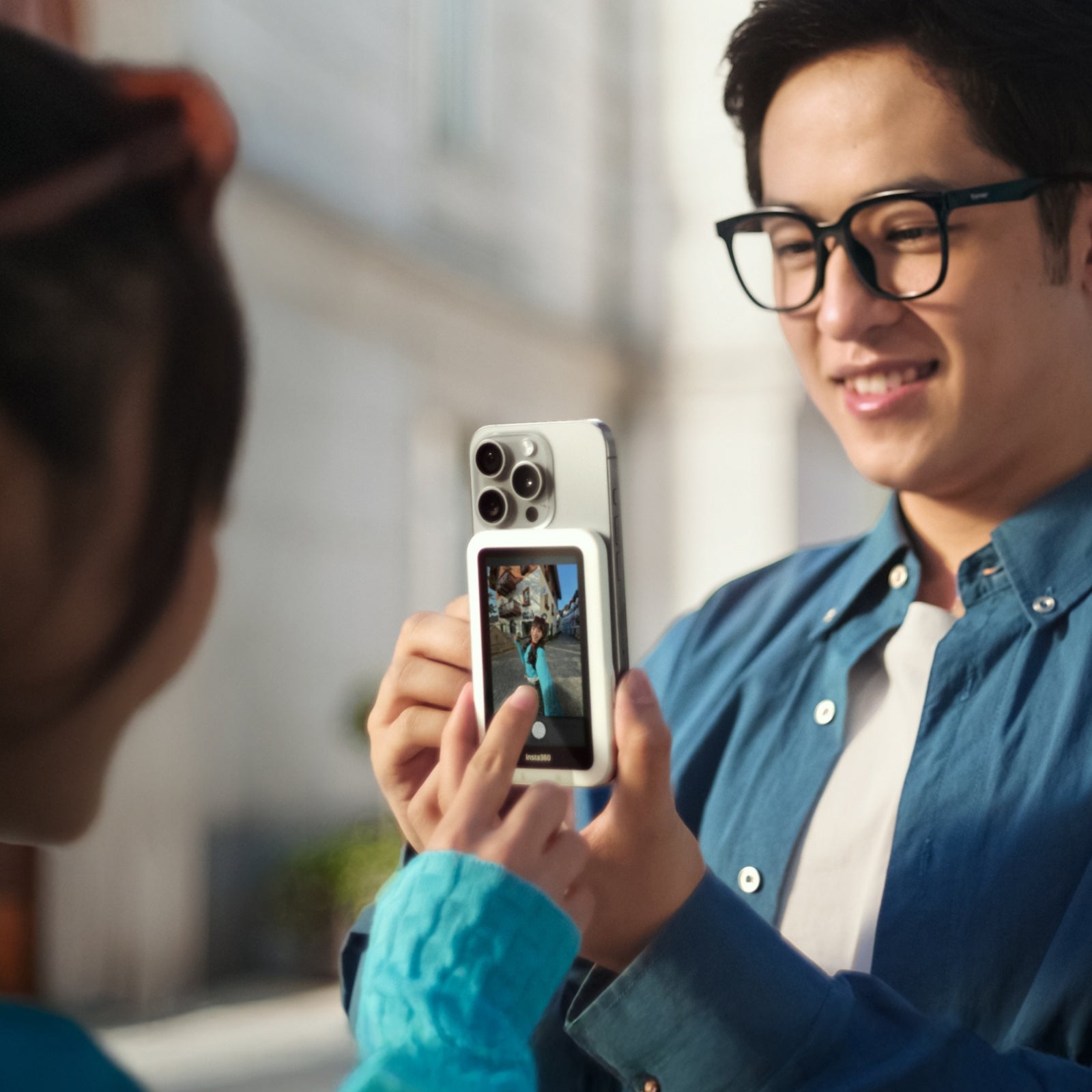
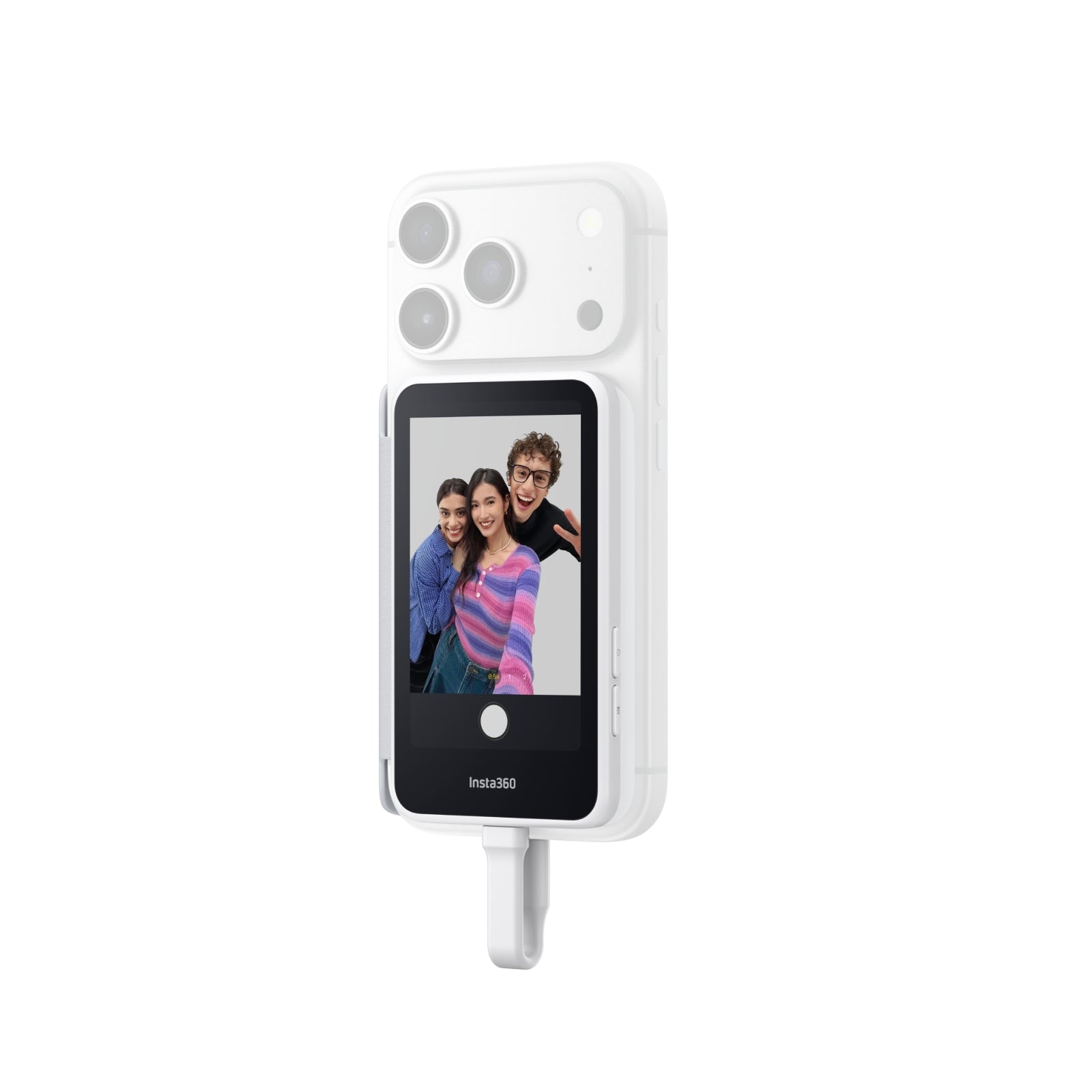
Unlock Your Main Camera's Superpower: Say goodbye to blind guessing! Use your phone's powerful rear lenses for stunning, high-res portraits and 0.5x ultra-wide shots while framing perfectly on the 3.5" HD preview screen.
-
Zero-Latency USB-C Connection: Plug and play directly via USB-C. Enjoy ultra-stable, zero-delay (30ms) 4K video syncing without the hassle of Bluetooth pairing, Wi-Fi drops, or needing to charge a separate battery.
-
Smart Touch & 1-Click Mirroring: Easily adjust zoom, tweak exposure, or switch modes right from the screen. The 1-click mirror mode flips your image instantly, giving you a natural, "looking-in-the-mirror" selfie experience.
-
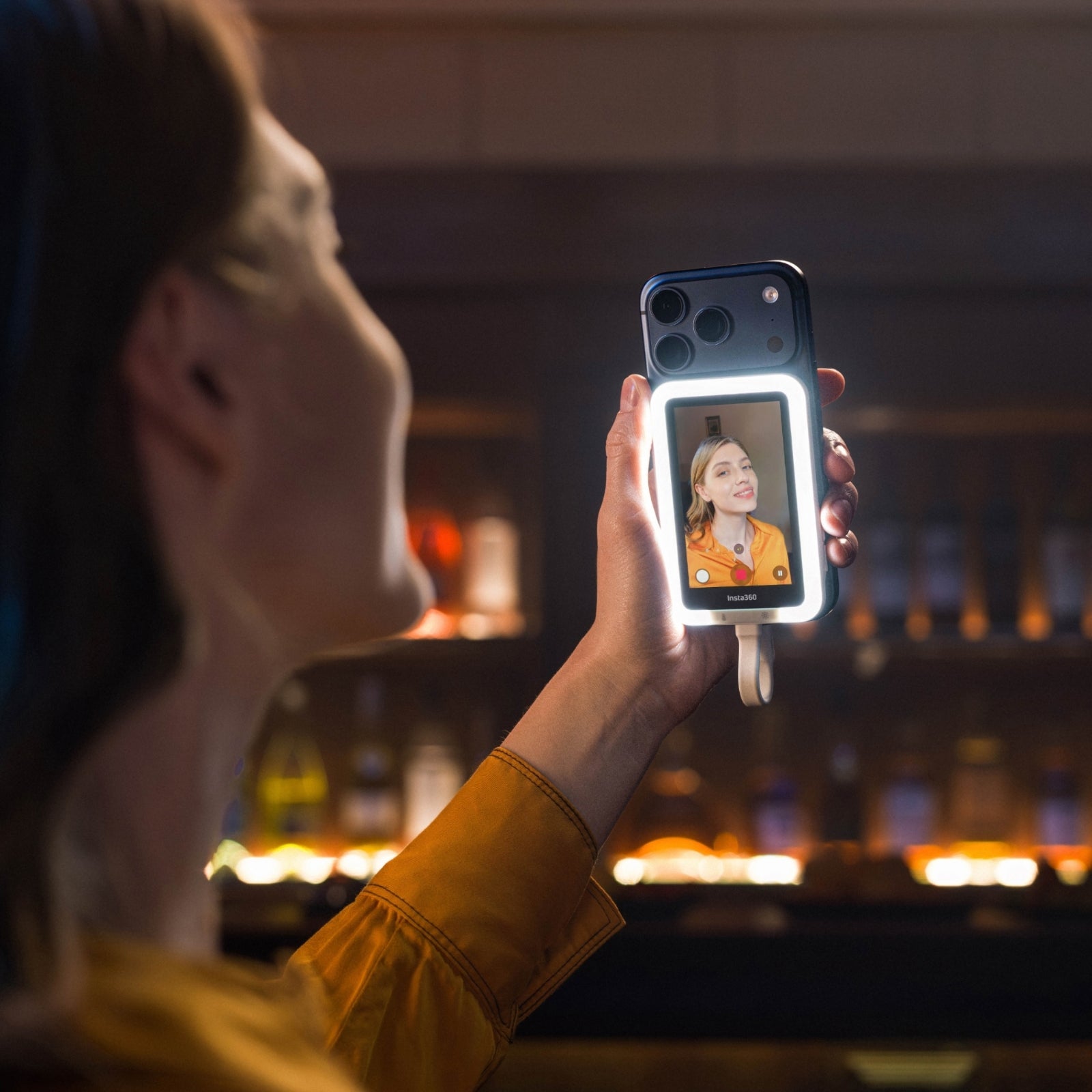
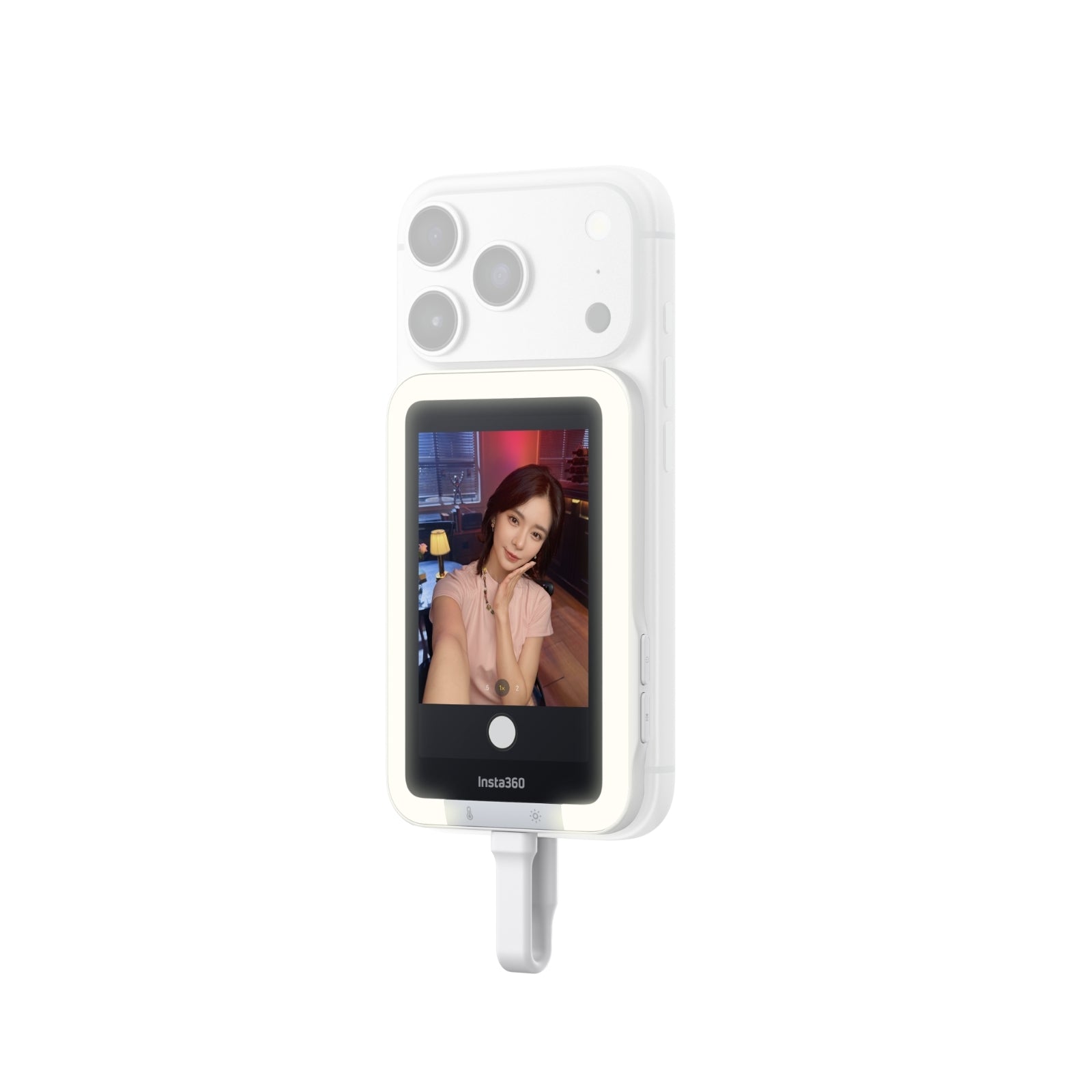
Pro-Level Studio Lighting (AMIRO Edition): Co-developed with optical experts AMIRO®, the Fill Light version features 3 color temperatures and 5 brightness levels. Effortlessly eliminate harsh shadows and capture radiant, glowing skin anywhere.
-
Works with Your Favorite Beauty Apps: Don't settle for just the default camera! The Insta360 Snap is fully compatible with third-party beauty filters and professional photography apps (like Meitu, TikTok, IG) for ready-to-post perfection.
-
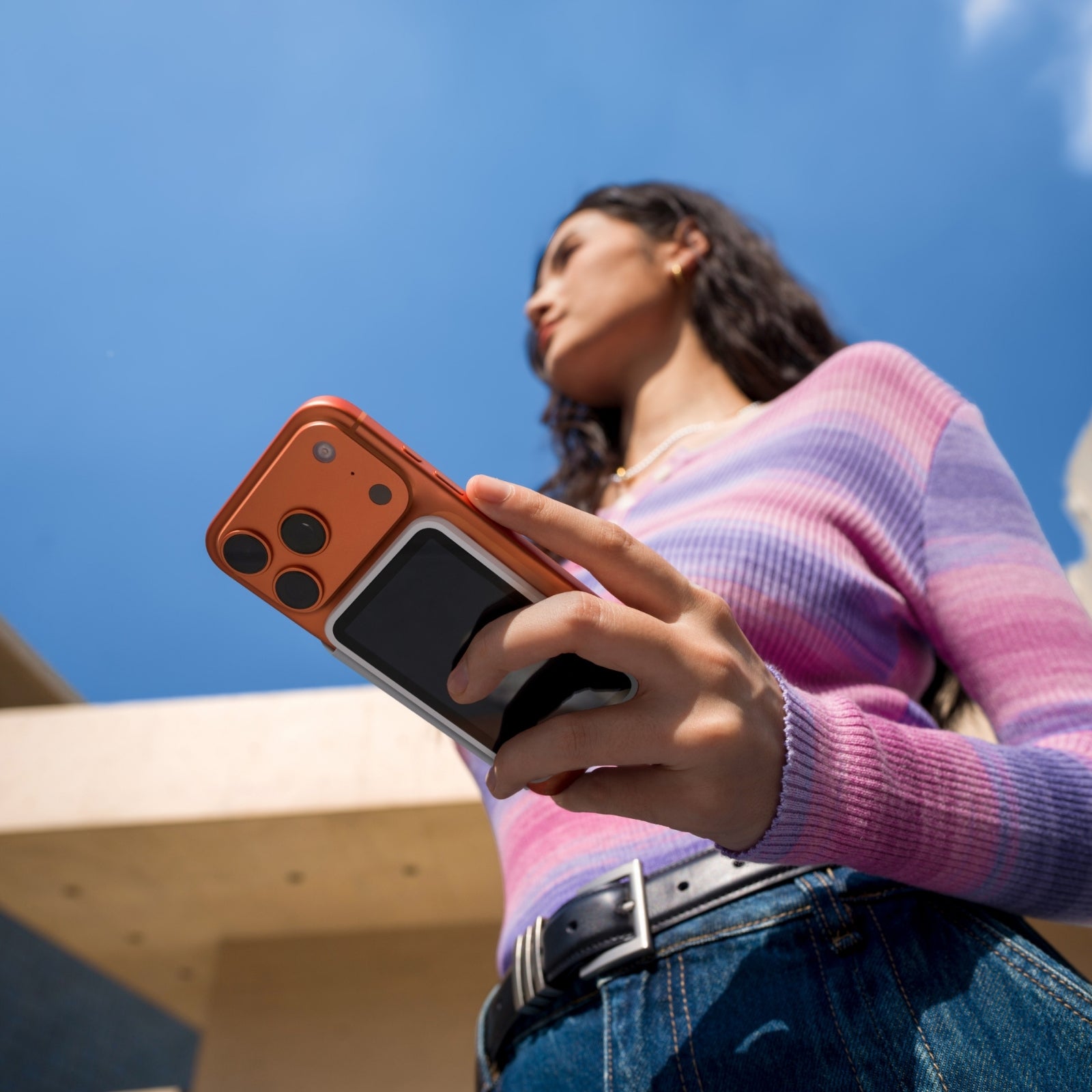
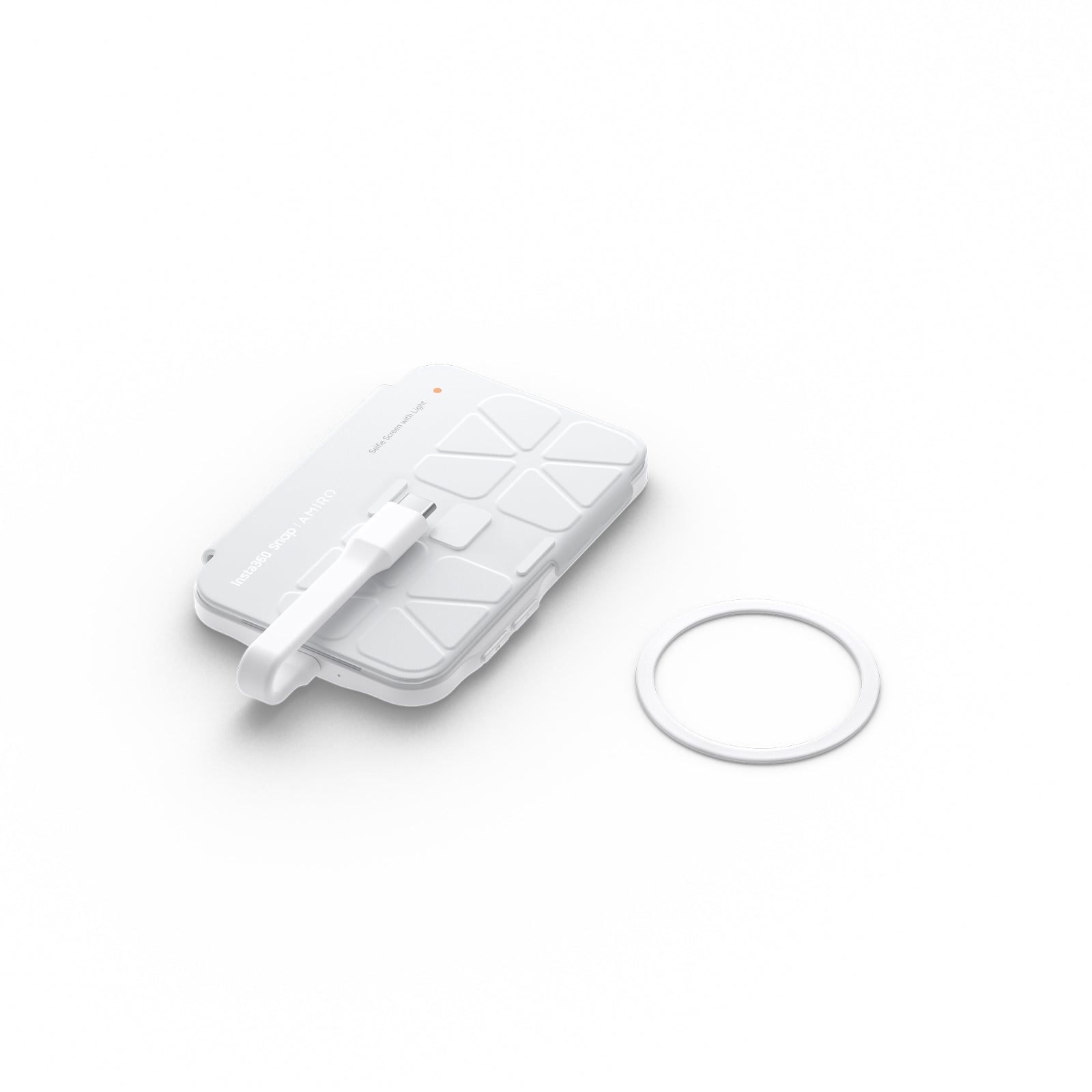
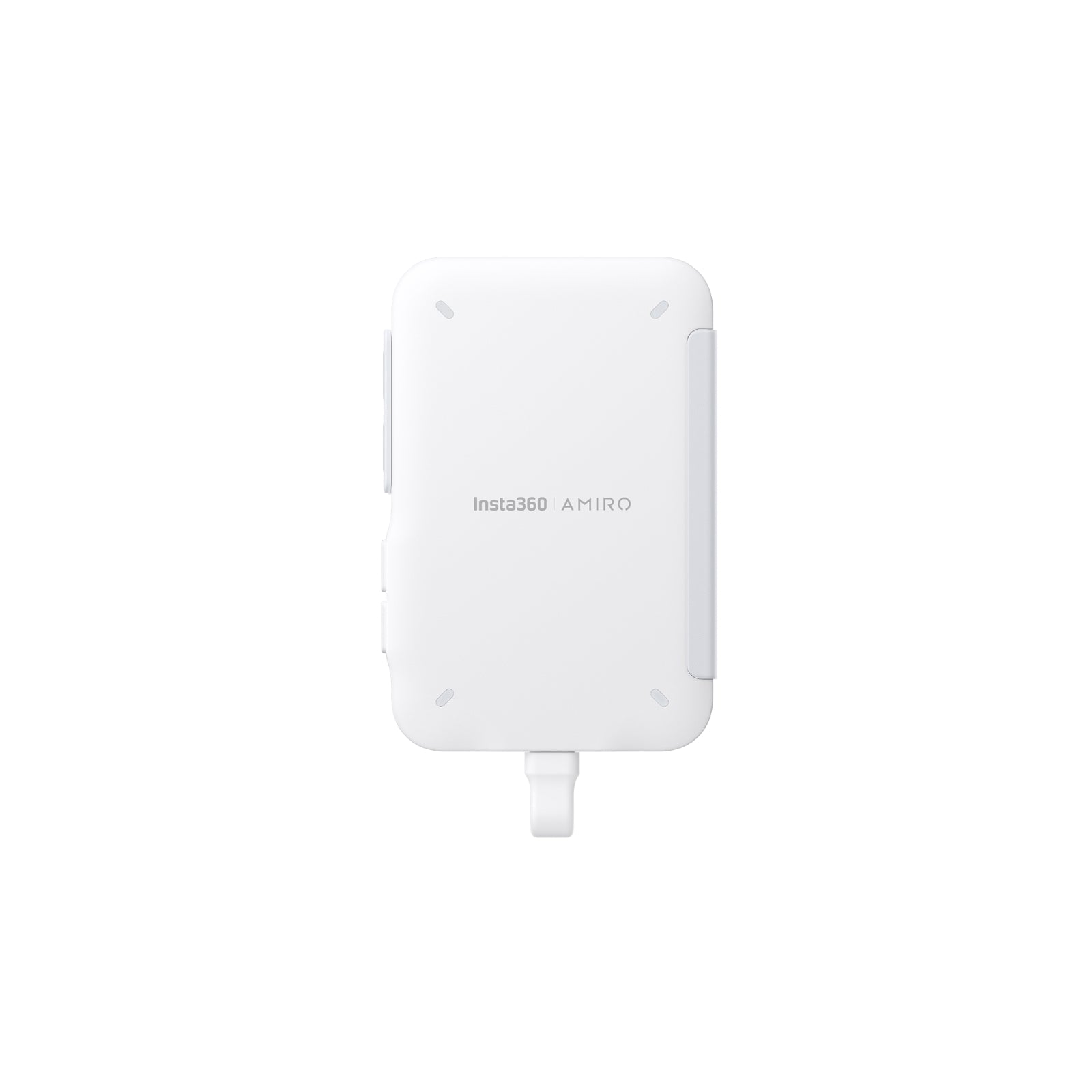
Sleek Magnetic Design & Smart Case: Measuring just 7.3mm thin, it snaps securely to MagSafe-compatible iPhones or Androids (via the included magnetic ring). It includes a premium protective cover that doubles as cable storage and prevents accidental phone screen touches while filming.


Insta360 Snap Smartphone Selfie Screen - See Clearly, Shoot Beautifully.
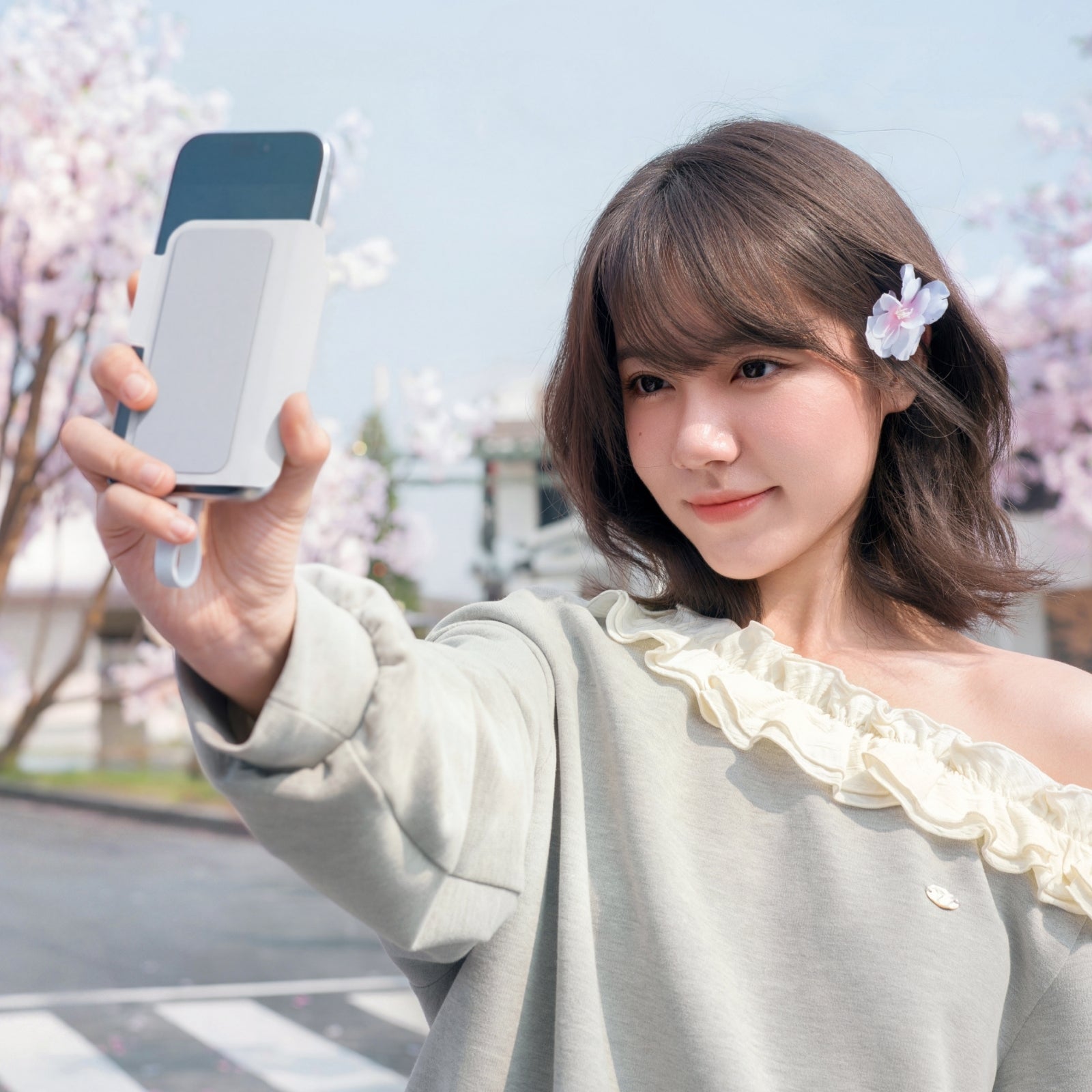
End the Era of "Blind Guessing" Transform your smartphone into the ultimate vlogging production rig. The Insta360 Snap allows you to utilize your phone's superior rear cameras while keeping your framing perfect. Whether you are capturing hair-level detail in portrait mode, grabbing a trendy 0.5x ultra-wide group shot, or filming your first Vlog, the 3.5-inch HD display ensures you always nail the angle on the first try.
Zero Waiting. Zero Latency. Zero Charging. Ditch the clunky Bluetooth setups. With a direct USB-C connection, the Snap delivers a stable, real-time feed (30ms ultra-low latency) directly from your phone. It draws minimal power directly from your device, meaning there is no internal battery to charge. Just plug in, snap it on, and start creating.
Master Your Lighting (AMIRO Fill Light Edition) Lighting makes or breaks a photo. Designed in collaboration with beauty-tech leaders AMIRO®, the optional Fill Light edition offers professional-grade illumination. Cycle through 3 distinct color temperatures and 5 brightness levels to soften facial shadows, hide under-eye circles, and add a brilliant catchlight to your eyes—perfect for backlit sunsets or dimly lit restaurants.
Crucial Compatibility & Care (Please Read Before Buying):
-
Phone Requirement: Only supports devices with a USB-C interface that support DisplayPort (DP) Alternate Mode. Note: Does NOT work with Lightning to USB-C adapters.
-
Magnetic Mounting: Attaches flawlessly to iPhone 15/16 series (MagSafe). For Android users (Samsung, Google, Huawei, etc.), use the included magnetic ring on your phone case.
-
Performance: For the smoothest experience, ensure your phone's OS is updated. During prolonged use, slight warmth is normal; the screen will auto-dim to protect your device if it gets too hot.
(FAQ)
Q1: Why did Insta360 make a smartphone selfie screen?
Thank you for your interest! Insta360's mission goes beyond just "cameras"—we focus on the overall "experience of capturing life." Our goal has always been to help people better record and share their moments. We noticed that while smartphones are our most common creation tools, their most powerful lenses (the rear cameras) are often left unused during high-frequency scenarios like selfies and vlogs due to the phone's physical design limitations. So, we asked ourselves: How can we unlock the full potential of the smartphone's main camera with the most lightweight, portable, and user-friendly solution? As a brand deeply rooted in the imaging field, launching this smartphone selfie screen isn't us "pivoting" to a new market, but rather an innovative step to expand our ecosystem. Through innovative hardware, we want to maximize the potential of your phone's main lens without changing your shooting habits. We want every smartphone user to enjoy the highest quality content creation experience with the lowest barrier to entry.
Q2: Will the wired connection drain my phone's battery? How is the power consumption?
Taking over 200 photos continuously for 10 minutes with the fill light turned on consumes only about 6% of your phone's battery. If you use it intermittently, the battery drain is hardly noticeable. To minimize unnecessary power consumption, we recommend turning off the Snap screen or disconnecting the USB-C cable when you aren't actively shooting. (Note: The Insta360 Snap is not recommended for high-load, prolonged scenarios like live streaming).
Q3: What if my iPhone has a Lightning port? Can I use an adapter?
No, the Snap does not support direct connection to Lightning ports, and it cannot be used with Lightning-to-USB-C adapters.
Q4: Why did you choose a wired connection instead of wireless or Bluetooth?
We chose a wired connection over wireless or Bluetooth primarily to deliver a vastly superior shooting experience:
-
Near-Zero Latency for Perfect Framing: Whether you are shooting 4K 60fps high-definition video or capturing action shots, the image syncs in real-time, avoiding the signal interference and random disconnections common with wireless displays.
-
Ultra-Thin and Burden-Free: While maintaining a large screen, we compressed the thickness to just 7.3mm—about half the thickness of most wireless secondary screens on the market. It won't tire your hand during one-handed shooting, completely eliminating that bulky "brick-like" grip.
-
Plug-and-Play, No Charging Required: Just plug it into your phone and start shooting immediately. No need to charge a separate battery.
-
Zero Learning Curve: No complicated Bluetooth pairing or Wi-Fi setups. Easily unlock high-quality selfies in seconds.
Q5: Why isn't the touch control working on my iPhone after plugging in the Snap?
To use the touch features on the Insta360 Snap with an iPhone, you must first enable the "Zoom" function in your phone's settings. Go to Settings > Accessibility > Zoom and toggle it on. If your screen magnifies, simply double-tap the screen with three fingers to return to the default view. Once the Zoom feature is enabled, you can directly access the camera from the Snap screen even when your phone is locked.
Q6: After connecting the Snap, my iPhone screen suddenly zoomed in massively! Is my phone broken?
Don't worry, this is normal! When you turn on iOS "Zoom" to enable the Snap's touch controls, you might accidentally trigger the system's magnification gesture. You can quickly fix this in two ways:
-
Quick Fix: Double-tap your phone screen with three fingers simultaneously to instantly shrink the display back to normal size.
-
Turn it Off (Optional): If you don't need the touch control functions on the Snap right now, you can simply go to Settings > Accessibility > Zoom and toggle the switch off.